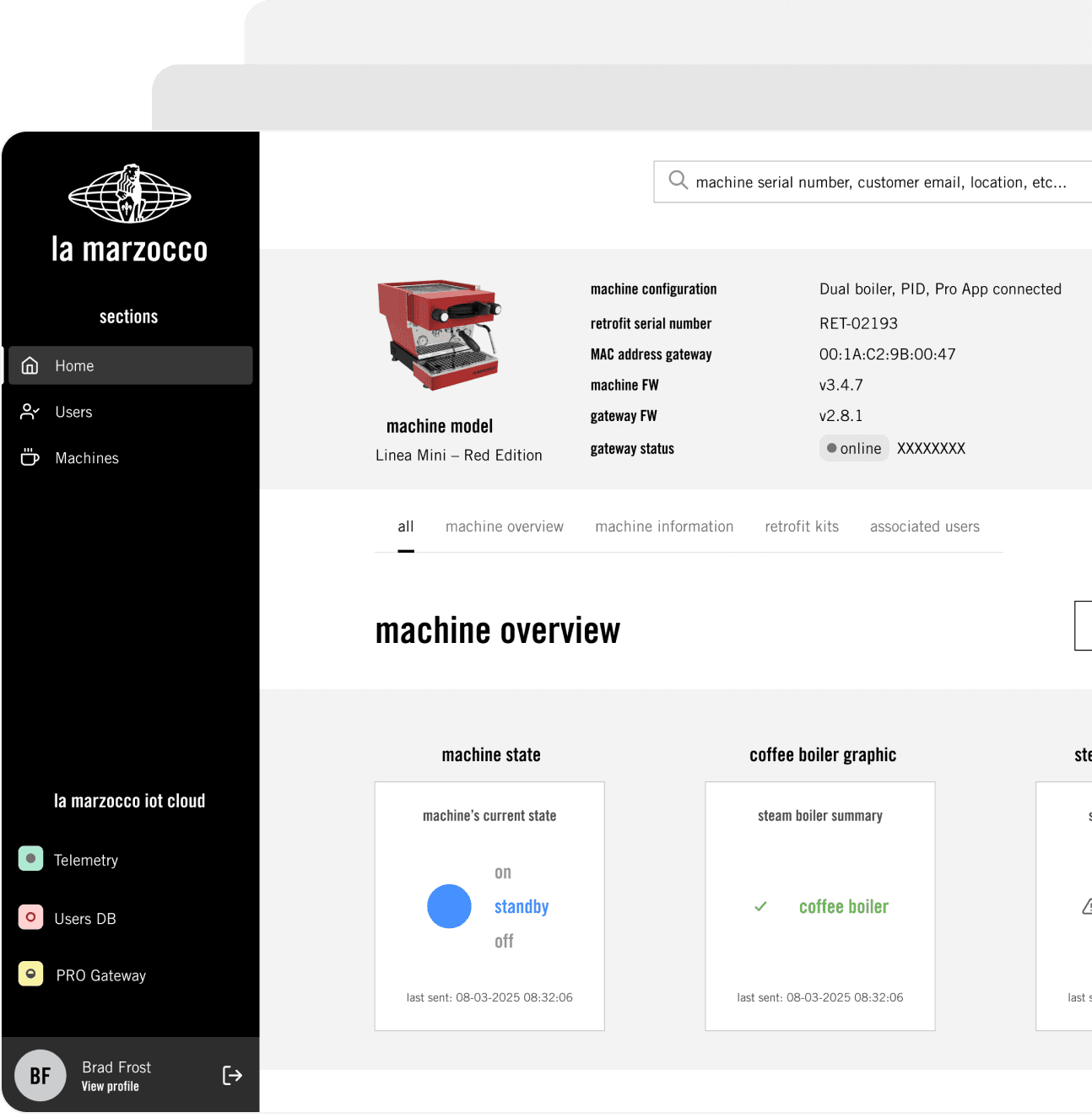
Outdated, difficult-to-use, and unattractive user interface
Users switch to fresher alternatives.
 Build with us
 UI Design That Drives Trust
Functional, polished interfaces that make your SaaS product feel premium.
Build with us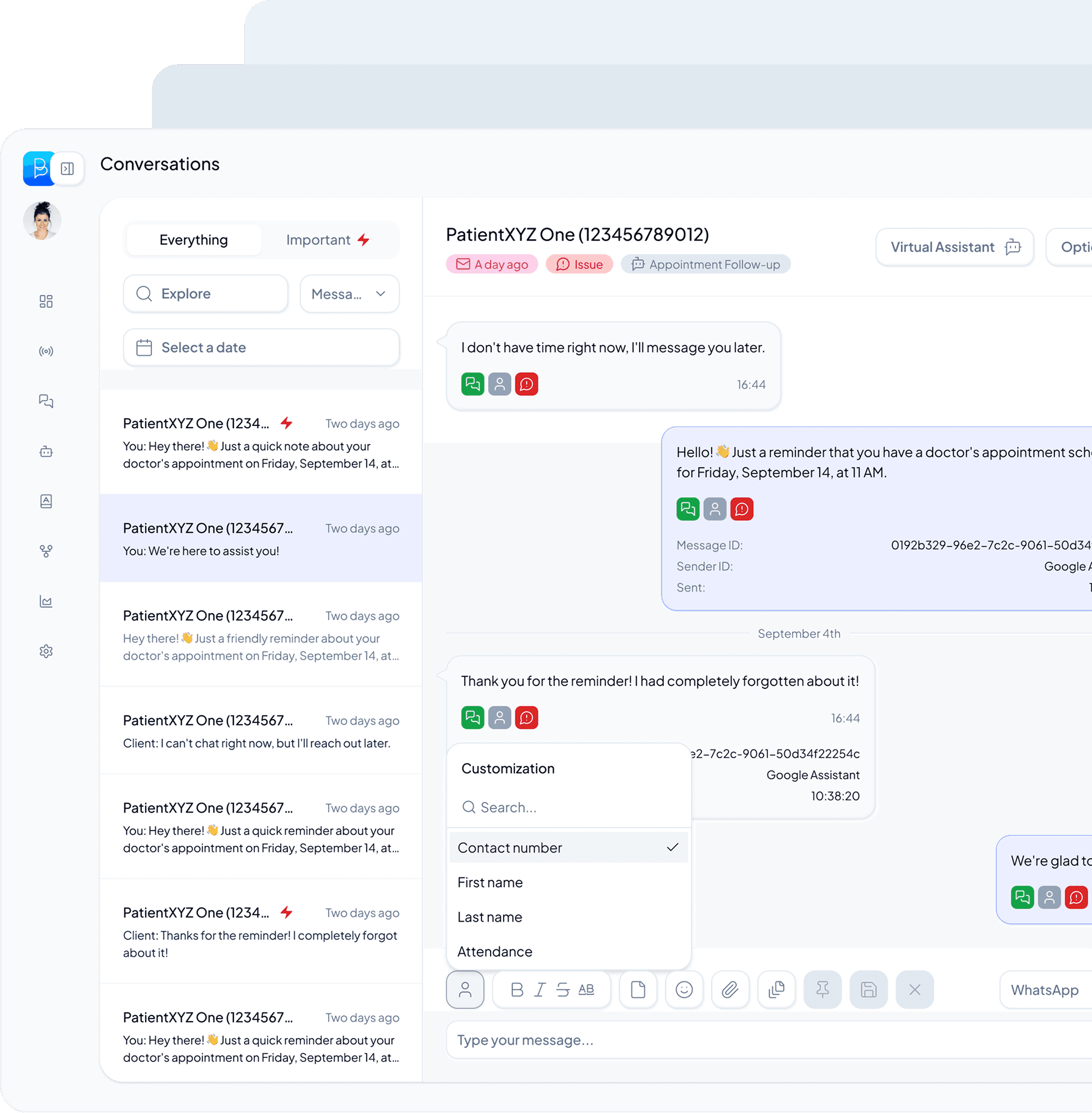
Users switch to fresher alternatives.
High support costs, low activation.
The roadmap is delayed.
Visual direction, components, and specs built to last as the product grows.
Color, typography, spacing, and visual language. The product feels more credible and easier to use.
Reusable components, states, and interaction patterns, with the tokens and specs developers need to build accurately.
They never miss a touch base and timeline expectation.

You walk away with flows your users actually understand, a polished UI ready to ship, and a design system your team can keep building on.
Analyze the product, review data and interviews, and benchmark competitors. Prioritize what to design first.
Wireframe the new flows. Test with real users and iterate.
Build the polished UI in Figma. Evolve the design system so the redesign stays consistent.
Plan a phased release with beta groups. Monitor adoption and iterate.
From audit to handoff, everything your team needs to ship a polished UI.
UI audit and visual direction proposal.
High-fidelity Figma files with components, states, and interaction patterns.
Design system with tokens, typography, color, and spacing.
Responsive specs, breakpoints, and dev-ready handoff docs.
UX design is about how the product works. Flows, information architecture, user research. UI design is about how it looks and feels. Visual design, components, interactions. Both matter. For many B2B SaaS products, a polished UI paired with solid UX is the fix.
We focus on UI design. Visual language, components, and interactions. If your flows need rethinking, we flag it. That's usually a separate engagement covered by our Product Redesign use case.
We deliver Figma files with organized components, detailed specs, and design tokens. We also provide implementation guides. Our specs are dense enough that developers don't need to ask. We're around for clarifications.
Yes. We audit your current system, find gaps, and extend it with new components. Or we refresh it entirely if needed.
All components are designed for mobile, tablet, and desktop. We spec breakpoints, responsive behavior, and touch targets. Everything is documented.
We hand you a living design system in Figma. Your team can iterate. We're available for design reviews or advisory sessions when needed.
Absolutely. We audit what works and what doesn't, then evolve from there. We modernize the visual layer where the flow already works.
Yes! Magic Team is a managed team of AI agents and senior humans that ships real code. Connect your repo and get features, MVPs, or bug fixes delivered as PRs, reviewed by Donux senior designers and developers.
Selected product design projects. Explore the challenge, the decisions and the results behind each one.